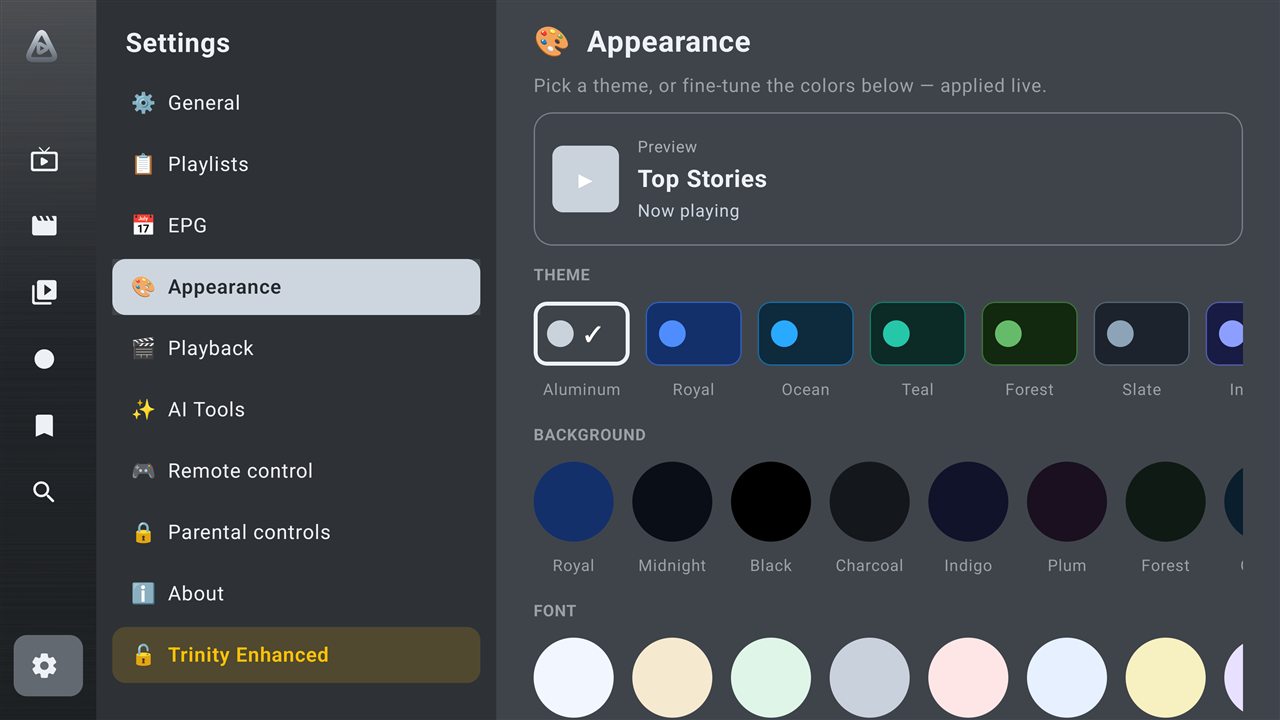
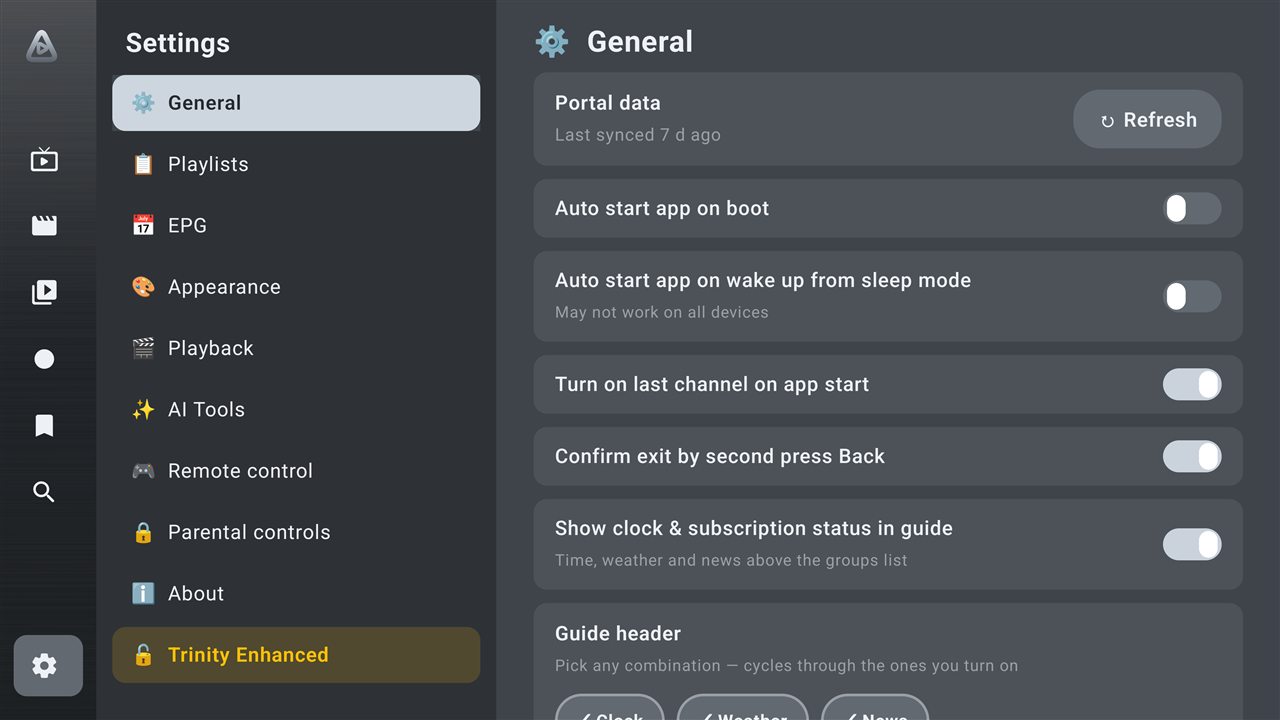
Trinity's signature Aluminum theme gives everything a premium finish — or pick your own background, font and accent, applied live. Fully remappable remote keys, too.

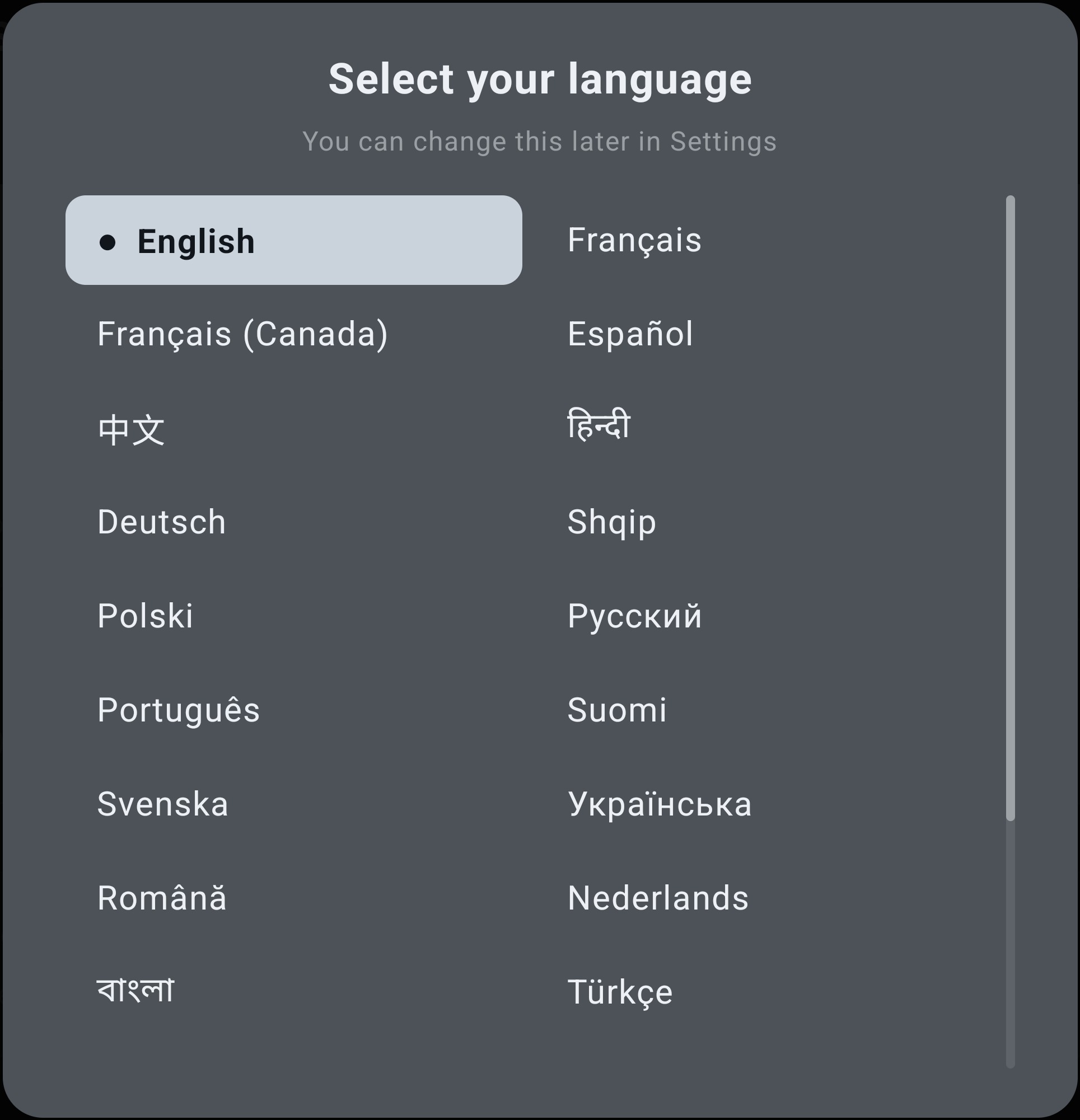
The first time Trinity opens, pick a language — or leave it on English. Change it anytime from Settings > Miscellaneous, no reinstall required.

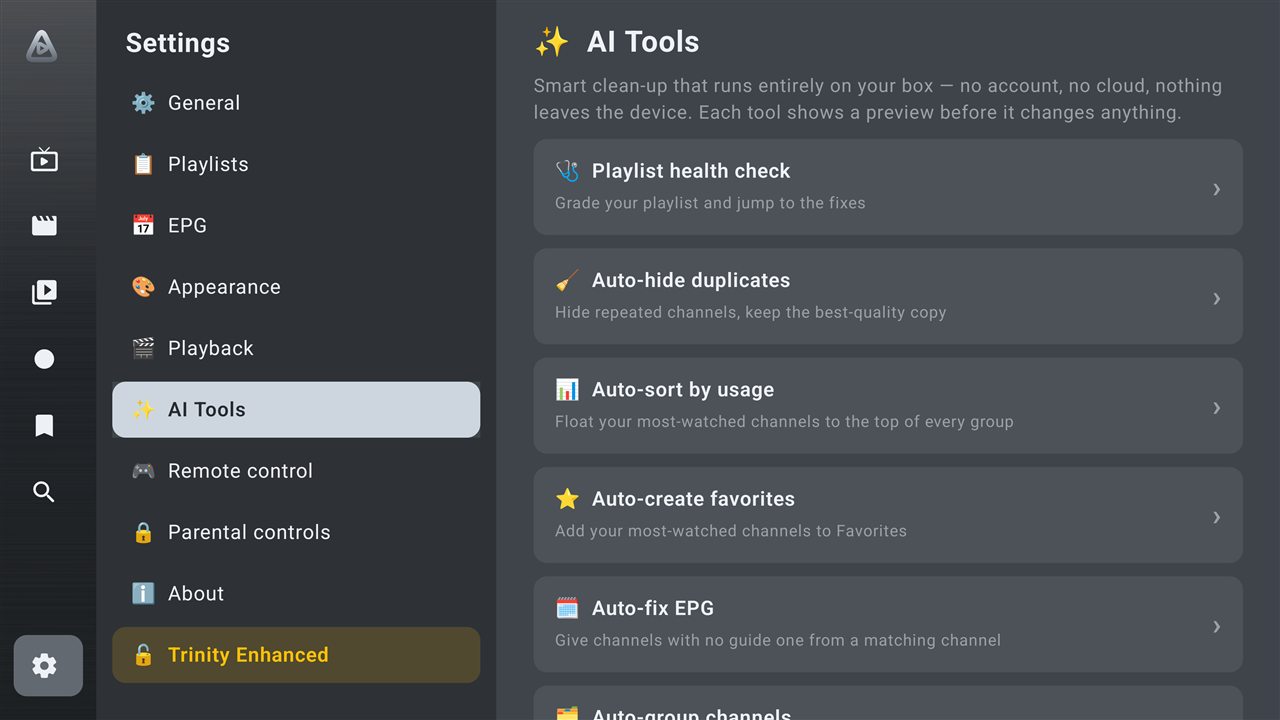
Messy list? Trinity fixes it in a tap — no account, no cloud, nothing leaves your device. Every tool previews before it changes a thing.

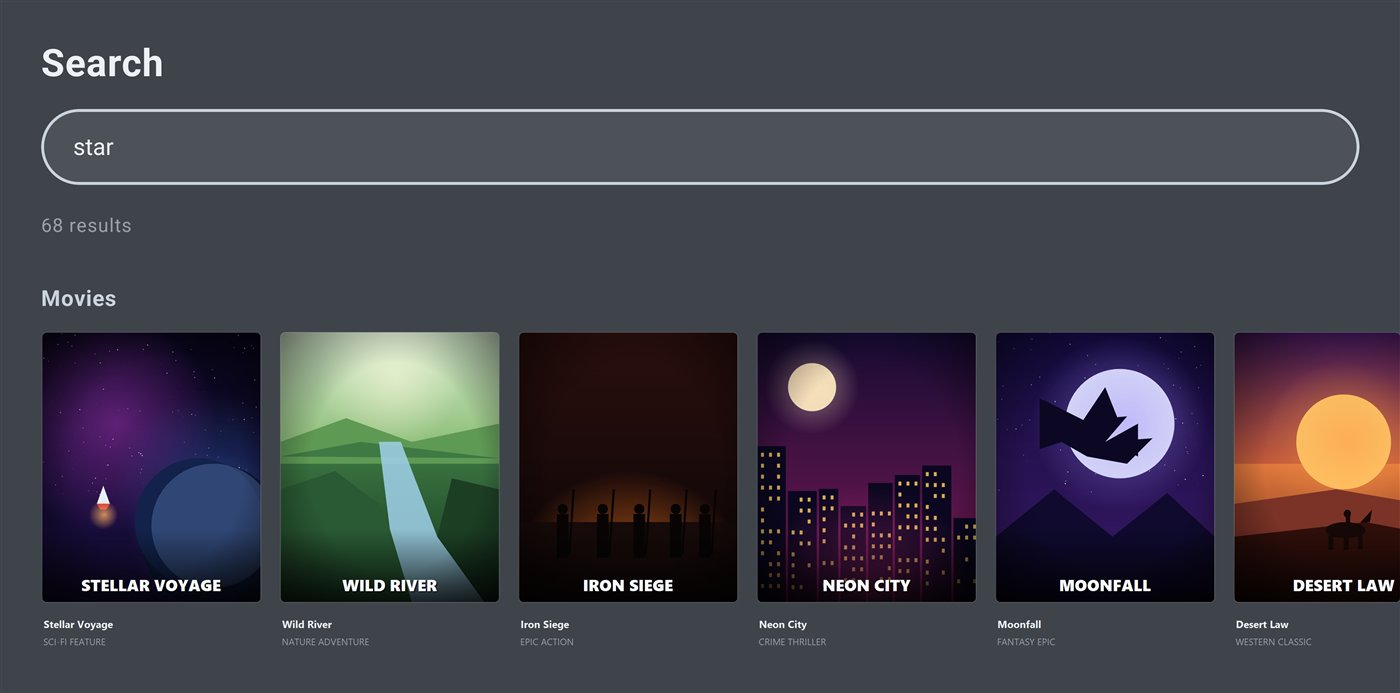
One search bar spans your whole library — everything together. Results appear as you type, big and remote-friendly, so the thing you want is one click away.

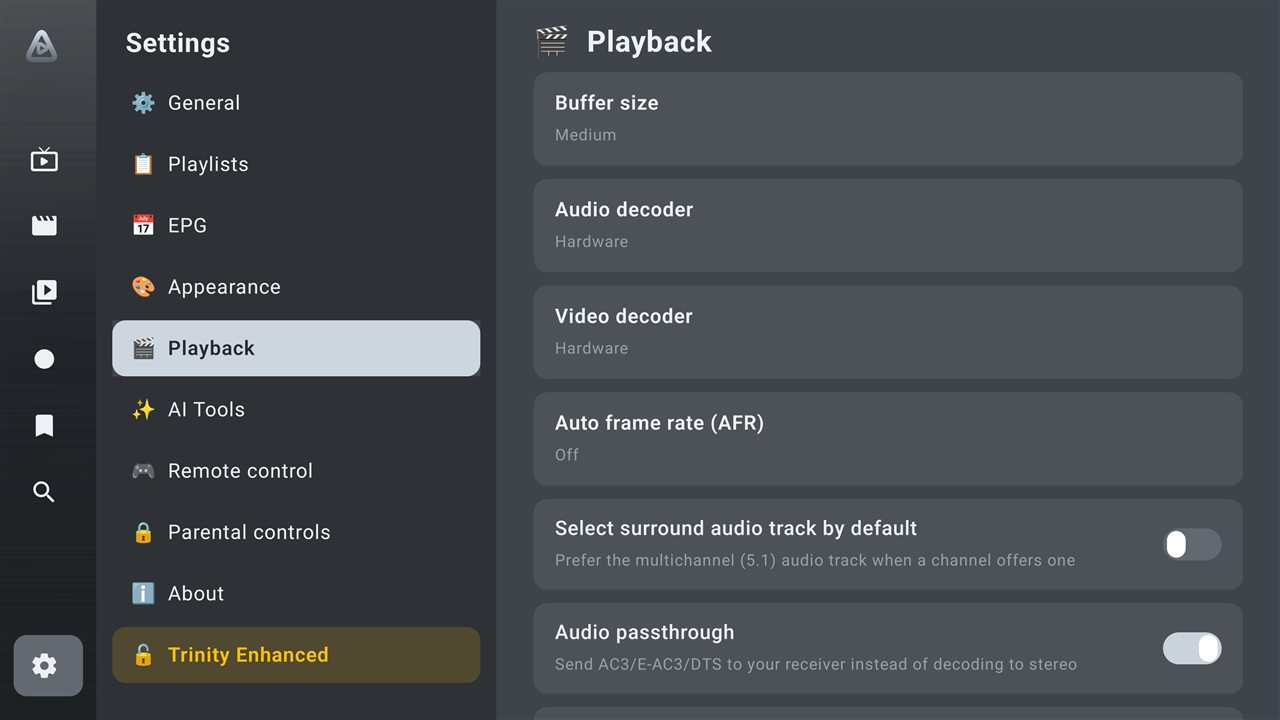
Buffer size, hardware or software decoders, auto frame-rate matching, surround, passthrough and a dialogue-clarity boost — the controls power users actually want, on any device.

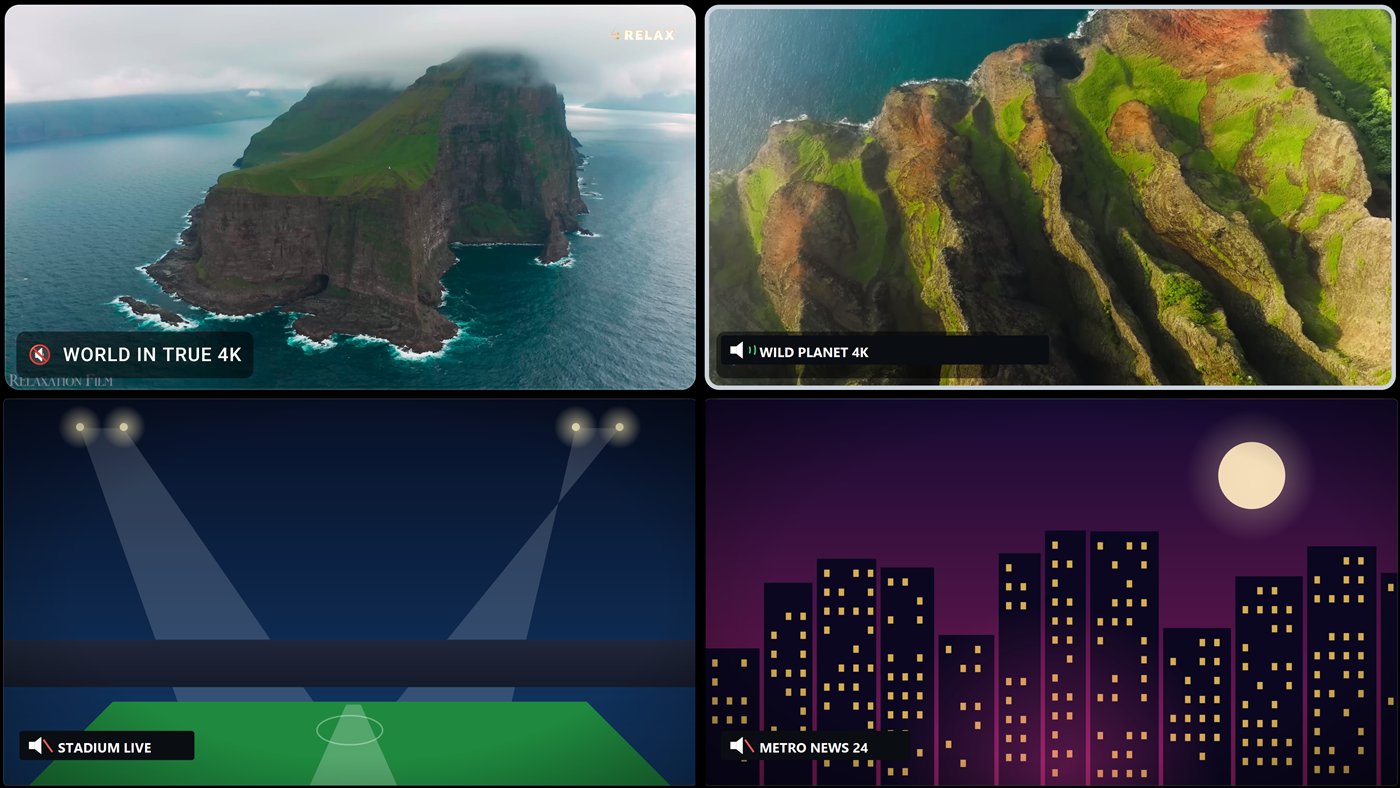
Split the screen into two or four live videos and keep them all in view. Move between screens with the remote — the sound follows wherever you land — or blow any window up to full screen in a click.

Search movies and shows by actor, not just by name — Trinity builds a full local index of your library once, then searches it instantly, right alongside title and genre search.
Perfect for a guest room, a bar, or a kid's device — kiosk mode restricts Trinity to Live and Settings only, with a PIN required to turn it back off.
A quiet header widget cycles through your local weather, the latest headlines and world stock indices — without ever leaving the guide.
Record straight to a NAS or network share instead of eating your box's own storage — or let Trinity back every recording up to Google Drive automatically, then free the local copy the moment the upload's verified.
Back up your whole profile to the cloud and get a short code. On the new device, enter it — everything returns exactly as you left it. No USB, no re-configuring.
Push your setup to your Trinity account and manage it from a keyboard instead of a remote — add a new source, rename and reorder groups, search and hide entries, even clean up your Favorites — then pull it all back down to your device.
Paste in your existing service and Trinity does the rest — everything ready in about a minute. Tweak anything, anytime.

Bring the service you already use — Trinity makes it faster, cleaner and genuinely nicer to live with than anything else out there.
Hide duplicates, build favorites, fix guide data and sort by what you actually watch — on-device, private, instant.
Back up to the cloud, get a short code, restore everything on a new device. No cables, no re-setup.
A one-tap score finds broken entries, missing guides and duplicates — then jumps you to the fix.
Buttery D-pad navigation, fully remappable keys, and a brushed-metal interface that looks the part.
You bring the content; Trinity just plays it beautifully. No banners, no tracking, no nonsense.
Add it once and you're watching.
Auto-hide duplicates, sort by usage, build favorites and fix guide data — instantly and privately.
A short transfer code brings your whole profile to a new device in seconds.
Manage everything from any browser — groups, channels, Favorites and all.
A health score plus a deep scan that catches dead entries and gaps.
The whole interface — guide, settings, everything — in 24 languages, including German, Albanian, Polish, Russian and Portuguese. Switch anytime from Settings.
Record straight to a NAS, or auto-backup to Google Drive and free up local storage automatically.
One tap skips straight past the opening titles — no more mashing fast-forward.
Watch a past programme from the guide, or record now and watch later.
Reassign guide & player keys to the actions you want, with restore-to-defaults.
Signature Aluminum look, plus pick your own background, font and accent — live.
Real feedback from real Trinity users.
Found duplicates and fixed a pile of broken guide entries in about ten seconds. My setup has never looked this clean.
Got a new device, punched in a short code, and everything was exactly how I left it in under a minute. No re-typing anything.
The interface is the first one that actually feels designed for a remote. Fast, clean, zero lag.
Being able to pick my own font and theme sounds small until you use it every night. Small touch, big difference.
No ads, no weird pop-ups, no nonsense. It just opens and works, every time.
Everything is in my language, settings included. I've never seen an app do that this thoroughly.
Download the APK, sideload it on your Android TV device, and start watching in minutes. Create an account and every Trinity Enhanced feature is unlocked free for 2 days.
Sideload via a file manager or USB · v1.0 · Coming soon to Google Play
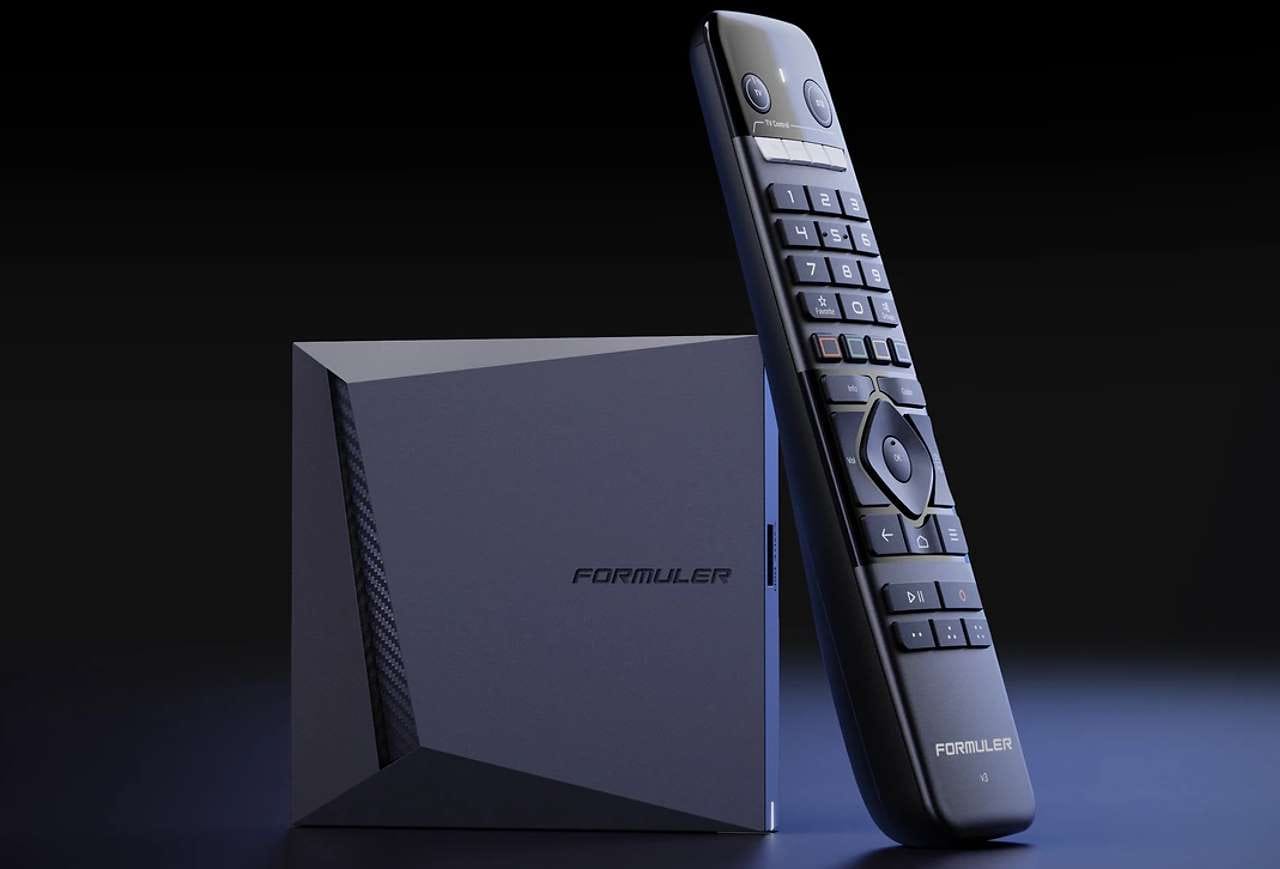
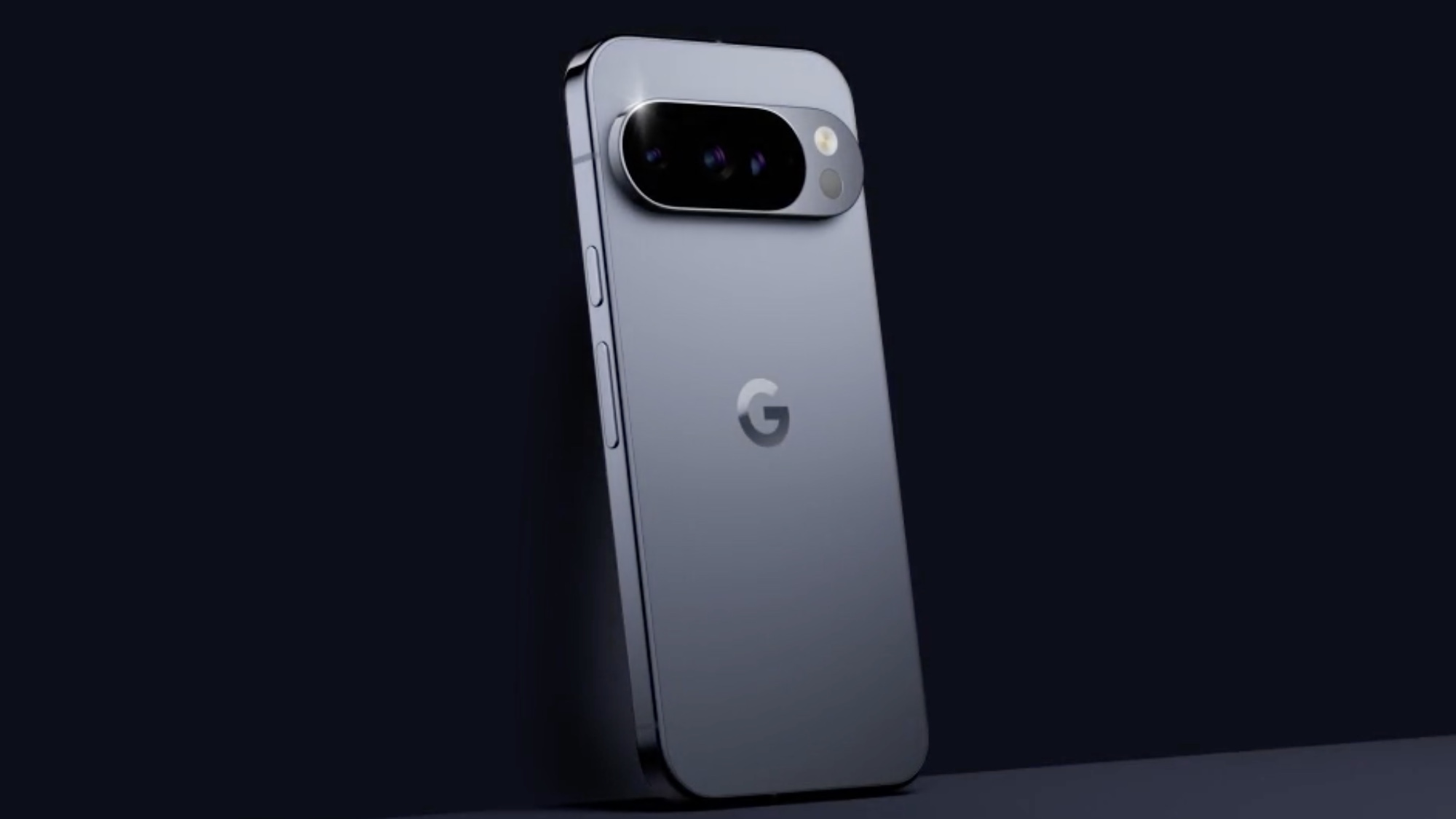
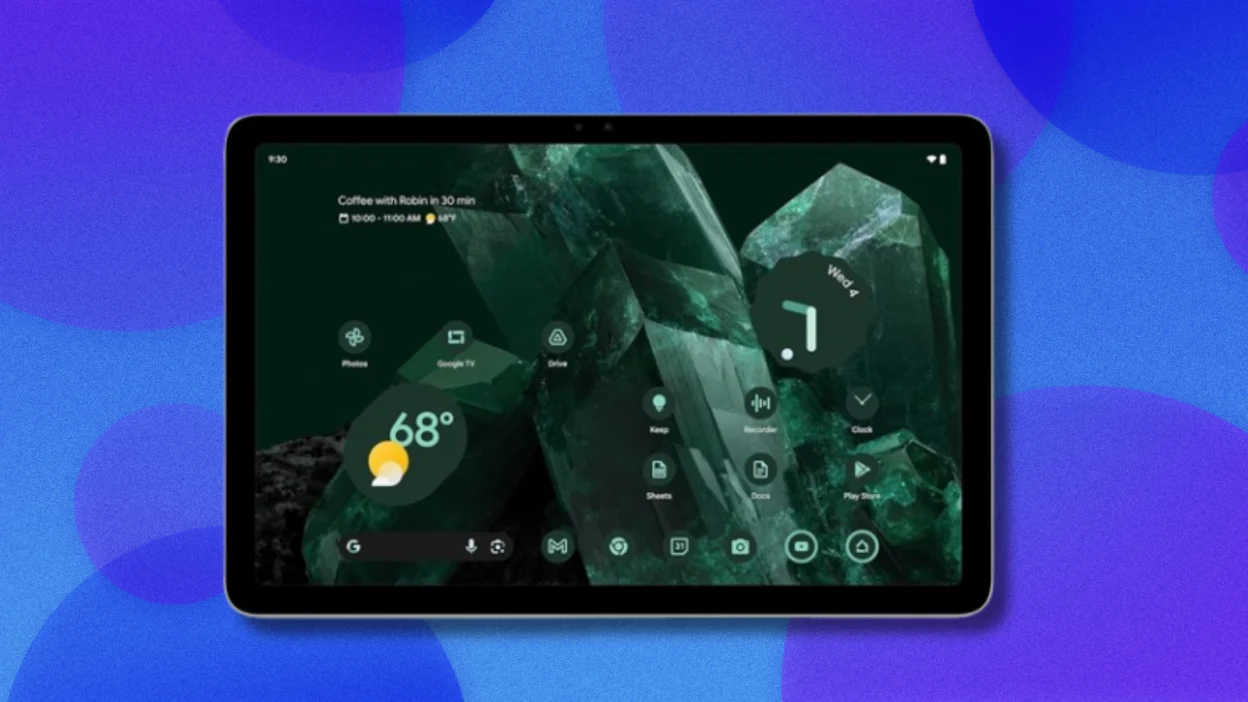
Built & optimized for Android TV, Google TV and Fire Stick. It'll install on a phone or tablet, but that's not what it's designed for — the full experience is on a TV box with a remote.
No web browser on your TV box? Sideload Trinity in a minute with the Downloader app (by AFTVnews):